Pattern Recognition — QCAA Digital Solutions Video
Source: QCAA Digital Solutions Unit 1 Topic 1 — Computational Thinking (YouTube)
Format: Lecture video with slides (~7.5 minutes); transcript + five slide screenshots
Scope: Definition, diagnostic questions framework, email and games examples, three progressively harder visual exercises
Core Argument
Pattern recognition is a two-part act: recognizing if a pattern exists, and determining the sequence involved in that pattern. It is not just noticing repetition — it is about examining a problem for similarities to previously solved problems, then extracting those similarities to simplify or reuse.
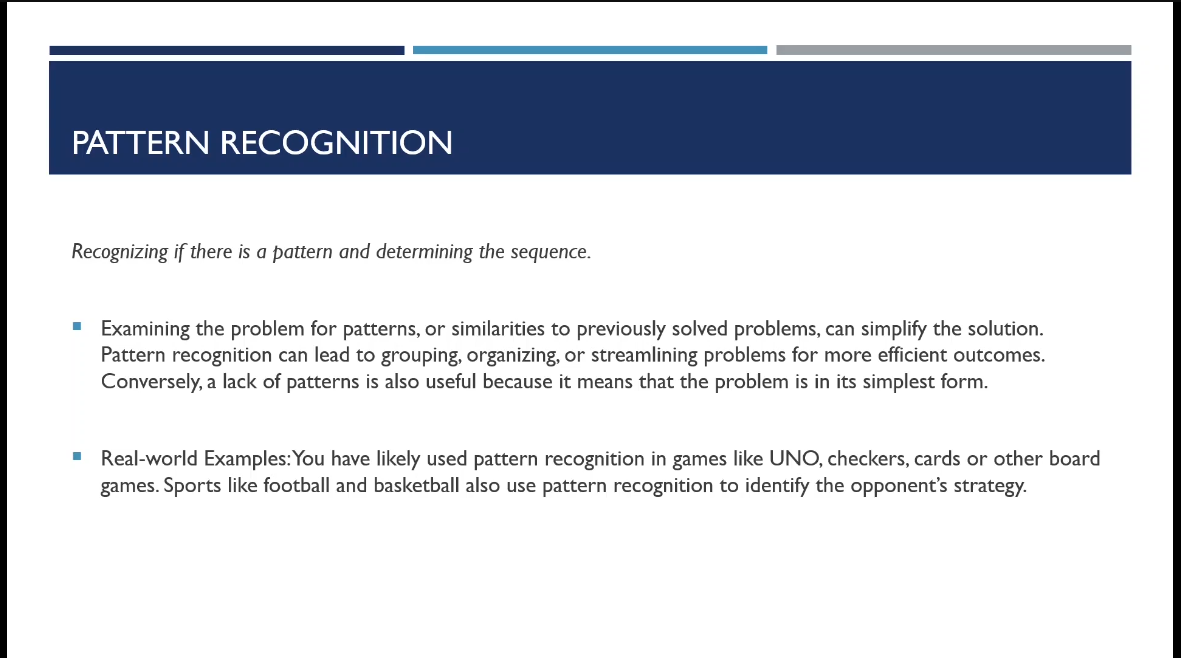 Opening slide: definition and key points. "Conversely, a lack of patterns is also useful because it means that the problem is in its simplest form." — the null result framing is this source's clearest distinctive contribution.
Patterns lead to grouping, organizing, and streamlining problems for more efficient outcomes. The null result — finding no patterns — is explicitly framed as useful, not a failure.
The diagnostic questions
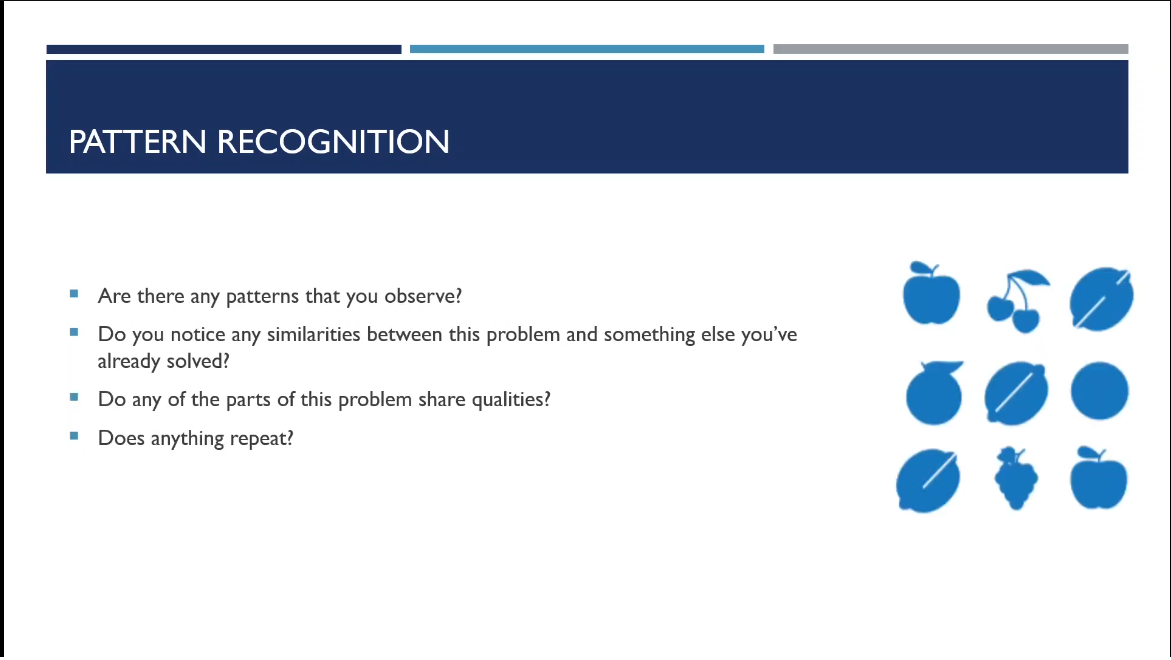 Slide 2: the four diagnostic questions alongside a 3×3 grid of fruit icons, illustrating the task of finding shared characteristics across a set.
Four questions to ask when examining a problem:
- Are there any patterns you observe?
- Do you notice any similarities between this problem and something else you've already solved?
- Do any of the parts of this problem share qualities?
- Does anything repeat?
Email as the key example
Different email services (Gmail, Outlook, Yahoo Mail) differ in UI and user experience, yet all share three core features: a way to create a new message, a folder/organization system, and a search function. The instructor's point: you don't reinvent these when building your own email client — you recognize the pattern and integrate it into your solution.
Games and sport
Board games, card games, and sports all involve pattern recognition. Teams have plays and tactics; the opposition counters by recognizing the pattern. The adversarial framing — both sides are doing pattern recognition against each other — is a useful extension beyond the standard problem-solving context.
The three visual exercises
Exercise 1 — Simple alternating sequence (pattern-3):
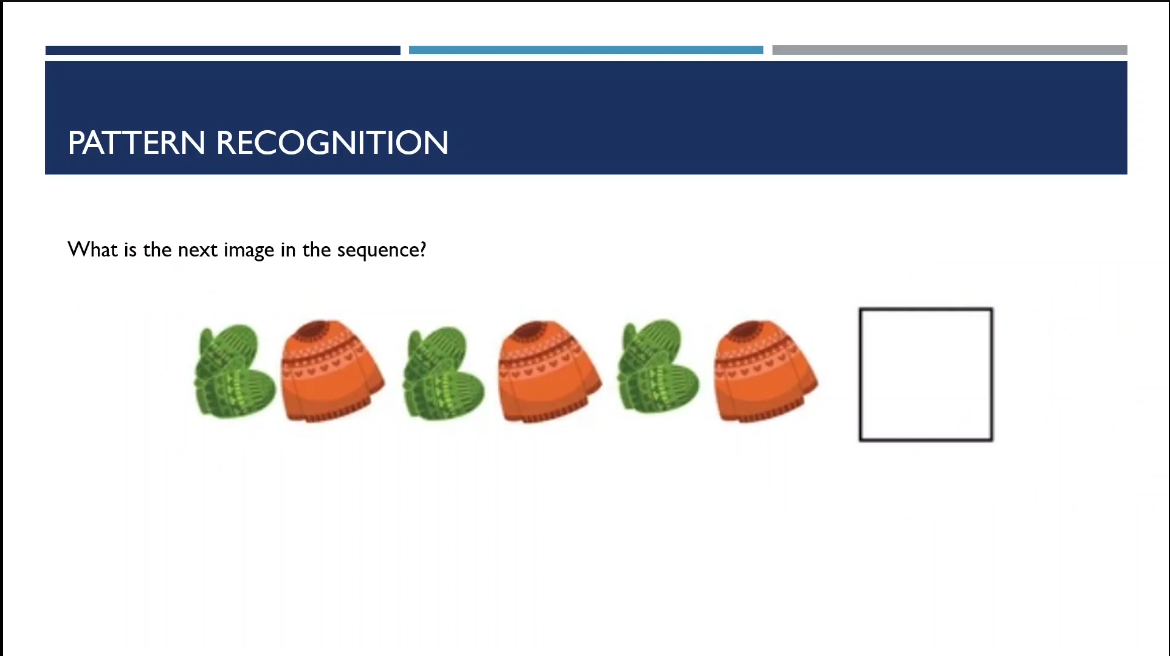 Sequence: mitten, hat, mitten, hat, mitten, hat, [?]. Single alternating rule. Answer: mitten (green). The point is that even this trivial case uses the same reasoning process as harder puzzles.
Exercise 2 — Multi-feature rotation (pattern-4):
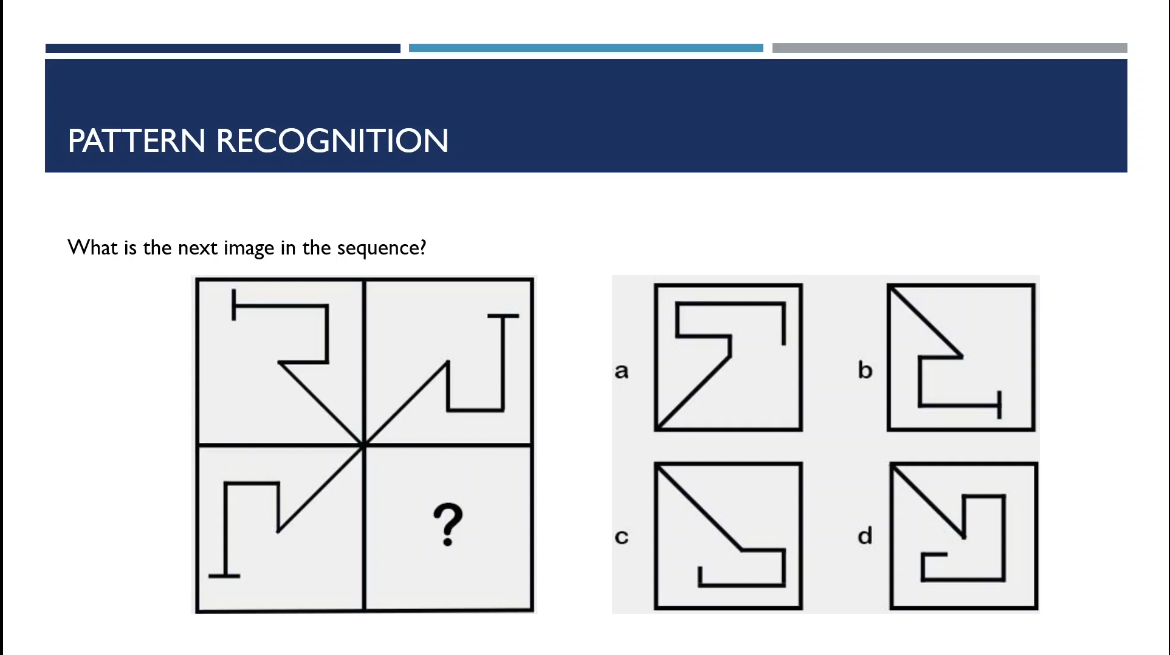 A 2×2 grid of L-shaped figures. Two independent patterns run simultaneously: the L-shape rotates 90° clockwise at each position, and a diagonal line crossing the center also rotates clockwise. Isolating each feature independently eliminates wrong answers systematically. Answer: B.
The instructor's method: first identify the diagonal (rules out A immediately), then track the L-shape rotation direction (rules out D and C), leaving B.
Exercise 3 — Multi-track simultaneous patterns (pattern-5):
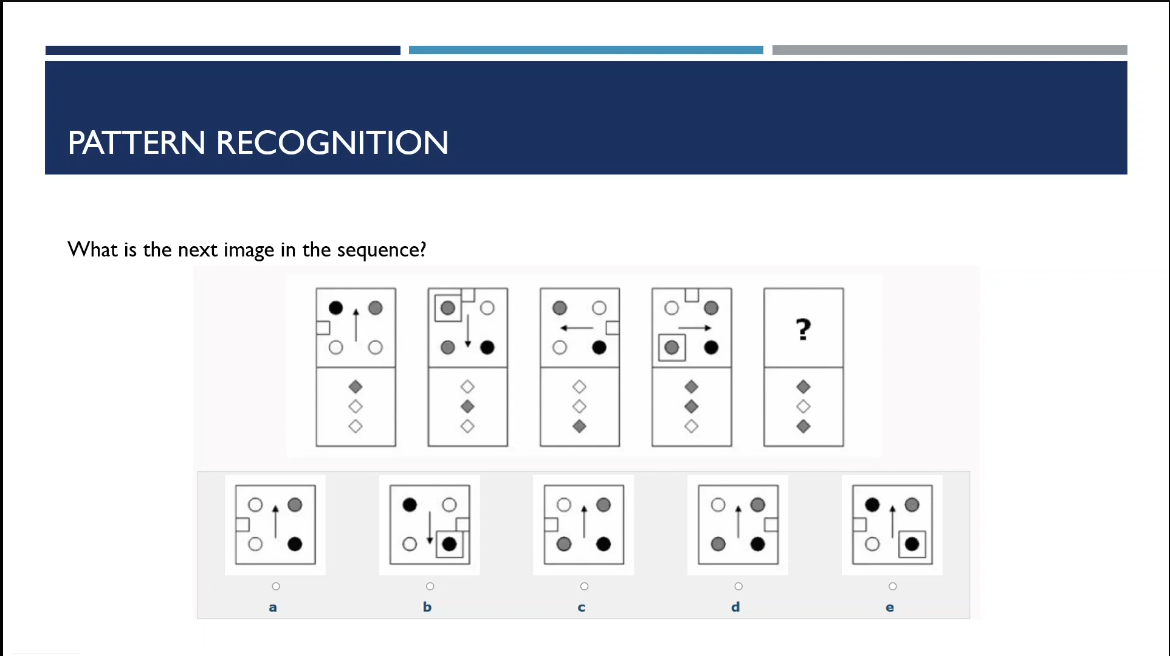 Five cards, each divided into two panels. Top panel: circles (black, gray, white) with an arrow; bottom panel: diamond shapes. Four independent patterns run simultaneously across the five cards: (1) arrow direction cycles up→down→left→right→up; (2) notch position cycles left→top→right→top→left; (3) a border square appears on cards 1 and 3 (every other card); (4) dot color counts alternate 1+1 and 2+1 gray+black. Answer: A — arrow pointing up, notch on left, no border square, one gray and one black dot.
This exercise makes the core skill explicit: complex pattern recognition is about identifying which features are independent tracks, isolating each track, and eliminating candidates until one remains.
What to take forward
The video's main contribution beyond the definition is the escalating exercise sequence, which demonstrates concretely how pattern recognition scales from trivial (single rule) to non-trivial (multiple simultaneous independent rules). The null-result framing — no pattern found = simplest form — is cleanly stated here and worth preserving in the concept page. The email example is the most practical for software development contexts.
Cross-links
- pattern-recognition — synthesized concept page
- computational-thinking — pattern recognition as one of the four CT core elements
- decomposition — decomposition precedes pattern recognition in the CT sequence